BUCK / Manufacturing intelligence
A factory question.
A connected answer.
Inventory, quality investigations and reviewed process knowledge in one workspace. Follow an operational signal through the records, the calculations and the next human decision.
Six chapters · Self-guided · Synthetic factory records
Connected records
Inventory, quality and process context
Inspectable evidence
Calculations with source links
Human decisions
A clear handoff to the responsible role
One workspace. Several perspectives.
A stock number is only
the beginning.
“Can this part support the next shift?” also means checking location, consumption, quality holds and the instructions that apply. BUCK keeps those pieces connected throughout an investigation.
Follow a material risk.
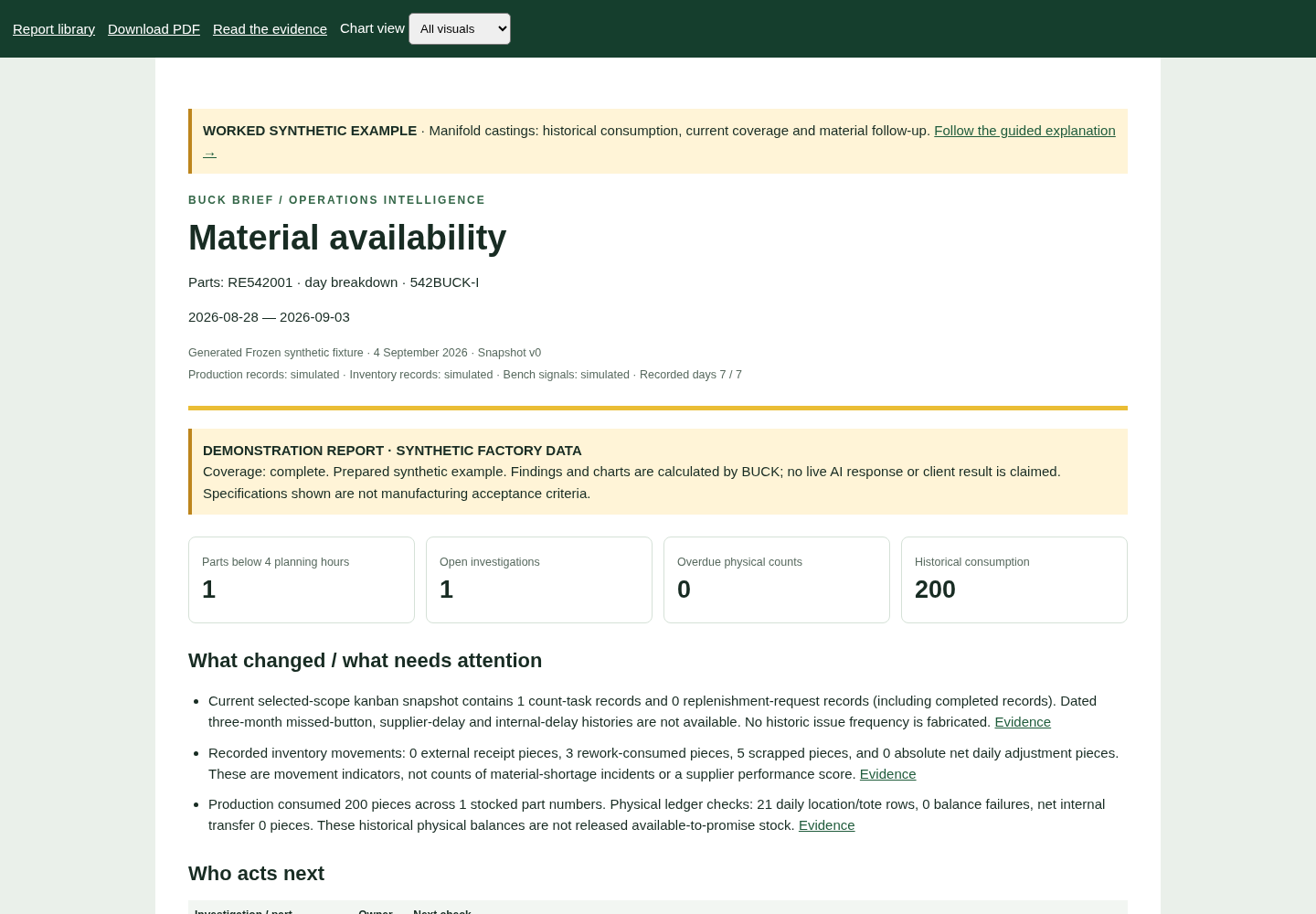
Join a part’s recorded consumption, current stock context and material follow-up. Inspect the evidence before deciding what to count or replenish.
Explore inventoryInvestigate the whole sequence.
Keep the original failure, intervention and retest together. Check the source and revision, and distinguish a passing retest from an established root cause.
Explore qualityCarry the lesson forward.
Connect investigations to source documents and revisions. Corrections go through review before a previous answer becomes an approved instruction.
Explore manufacturing memoryFrom question to decision
How BUCK works
A focused investigation, with a traceable path through the evidence.
- 01
Scope the question
Choose a department, part and reporting period. Start in the inventory, quality or supervisor view.
- 02
Gather the records
Specialist agents inspect the synthetic ledger, quality cases and reviewed knowledge through scoped tools. Current snapshots and history keep separate labels.
- 03
Calculate the evidence
The calculation engine produces totals, checks and chart data. Source links expose the supporting records, gaps and unavailable comparisons.
- 04
Review the next action
The report identifies what needs checking and the responsible role. Authorized people decide what to count, investigate or approve.
Go beyond the preview
Open the report.
Follow the evidence.
Three complete sample reports include calculated findings, charts, PDFs and source evidence. Inspect the result and the records behind it at your own pace.
Inspect sample reportsWhat you’re exploring
BUCK runs over authored synthetic factory records. The public tour uses prepared examples; live AI requests and changes are reserved for an authorized owner session.
The demonstration makes the workflow visible: ask a focused question, inspect the answer and choose the next human action.